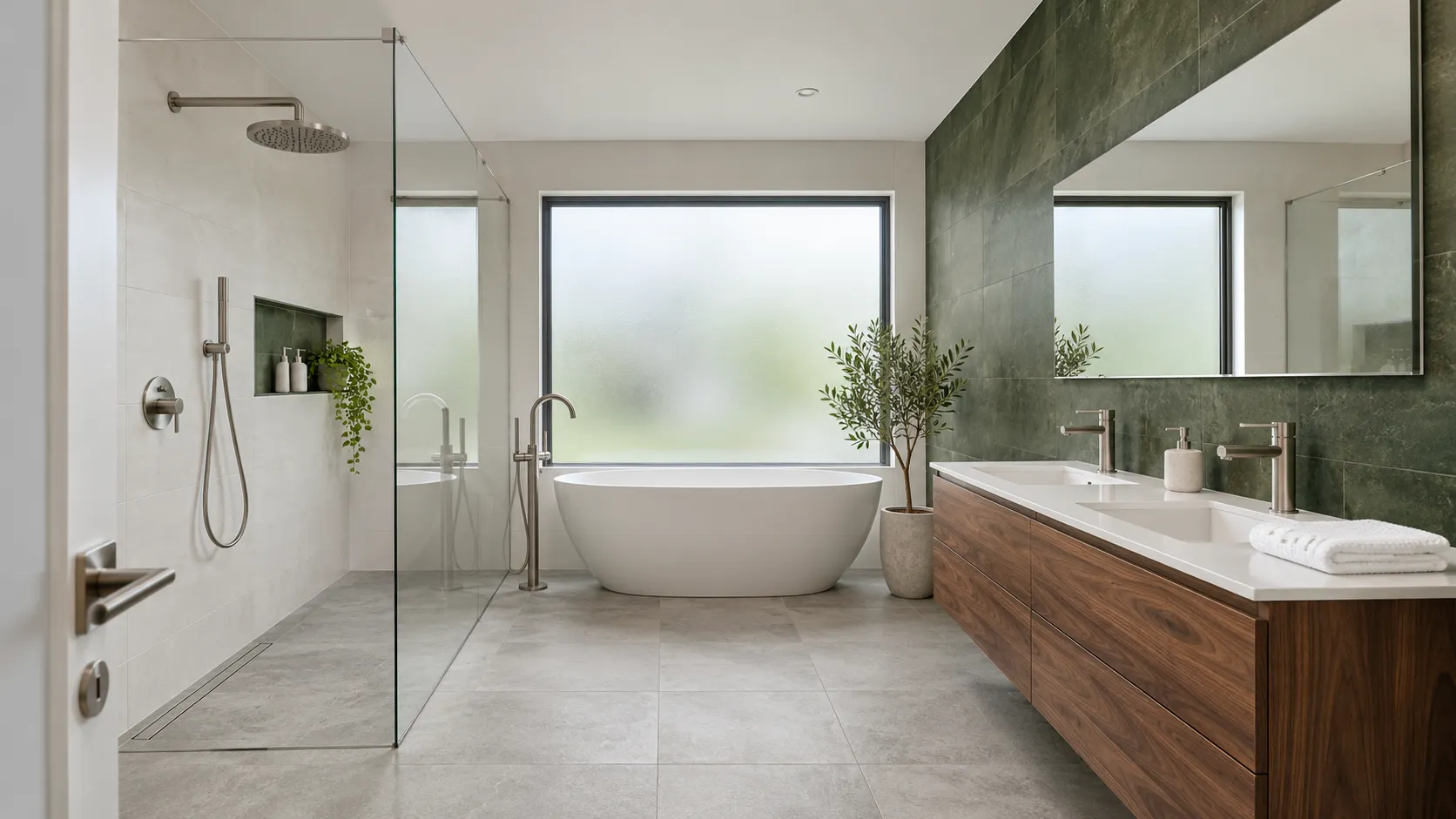
Online 3D bathroom planner free of charge
Enter the room dimensions, doors and windows, arrange the bath, shower, WC and sink, and select wall tiles and floor tiles from the TGB Kúpeľne range. You will immediately see the bathroom in 3D and can download the design in PDF. We will send you an illustrative AI photo of the bathroom and the calculation of m² of wall tiles and floor tiles via email.
Create your design comfortably on your computer. On a larger screen, you can better view the details and select tiles, flooring, and sanitary ware.
How to obtain 3D design of your bathroom?
Create your design online in a few simple steps, and we will send you the result via email.
Dimensions
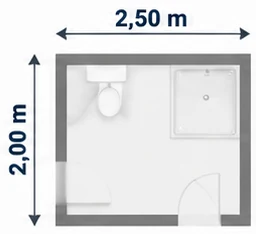
Enter the dimensions of your bathroom.
Sanitary ware
Choose from the range of sanitary ware (as needed).
TGB tiles
Select wall and floor tiles from our TGB offer.
Confirm view
Check and confirm the selected view of the bathroom.
Design via email
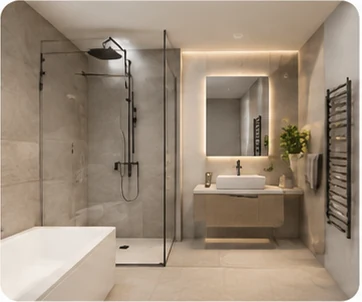
We will send the finished 3D bathroom design to your email.
We have opened the saved design – you can edit it.
The visualiser did not load. Refresh the page or open it in a current browser (Chrome, Safari, Edge, Firefox).
Photo to email
Set one view for image generation – the photo will include what is in the white frame. Then fill in the details and we will send you the visualisation. The best photo is usually from the view Interior – wide-angle.
How much material do you need
Calculating…
Clicking on the wall will select it and allow you to choose a tile.
Drag the vertical line (division) sideways, the horizontal line or triangle up (height of the tile) up and down. Drag the tile from the catalogue to the bottom or top of the section.
Select a tile or floor tile and drag it onto the wall, floor, or selected zone in the floor plan.
On mobile, tap on the wall or floor in the floor plan and then select a tile here. We recommend using a desktop computer.
Wall and floor tiles from our offer
- Select a tile or floor tile from the catalogue below.
- Drag it with the mouseSelect the wall or floor in the floor plan and tap on the tile on the wall, floor, WC partition or built-in bath in the floor plan.
- You will see it immediately in 3D. The photo we send you is an illustrative AI visualisation – the colours, drawing, and layout of the wall tiles may vary.
Tip: you can split the wall using the ✂ Split wall tool and give each section a different tile. Drag a tile to the top part of the wall in the wall view (it will appear after clicking on the wall).
Loading tiles…
We will send you a finished image of your bathroom and a list of materials
- Confirm the view in 3D – the image will include the cutout in the white frame.
- Fill in your name and email and submit.
- In the email, click on Confirm the creation of the visualisation.
✓ The view is confirmed. If you make any changes to the design, we will use the current state when submitting.
Bathroom image, floor plan, material list in m², and store address – bring it to the studio in Senec.
This is an illustrative image created using AI – the colours, drawing, and layout of the wall tiles may differ from the actual product. You will see the real wall tiles and your actual room during the design at the store (what's the difference). The calculation of m² is approximate, allowing for cuts.


Frequently Asked Questions
Is the 3D bathroom planner free of charge?
Yes. The 3D design, PDF, illustrative AI photo, and the calculation of m² of wall tiles and floor tiles are all free and without obligation. We create one photo per email address.
Do I need to register?
No. The planner works directly in the browser, without registration and installation. You only provide your email if you want the photo and calculation – you confirm it via a link that is valid for 72 hours.
Does the planner work on mobile?
Yes, it works in the browser on both mobile and computer. However, selecting wall tiles is more convenient on a larger screen, so we recommend using a computer.